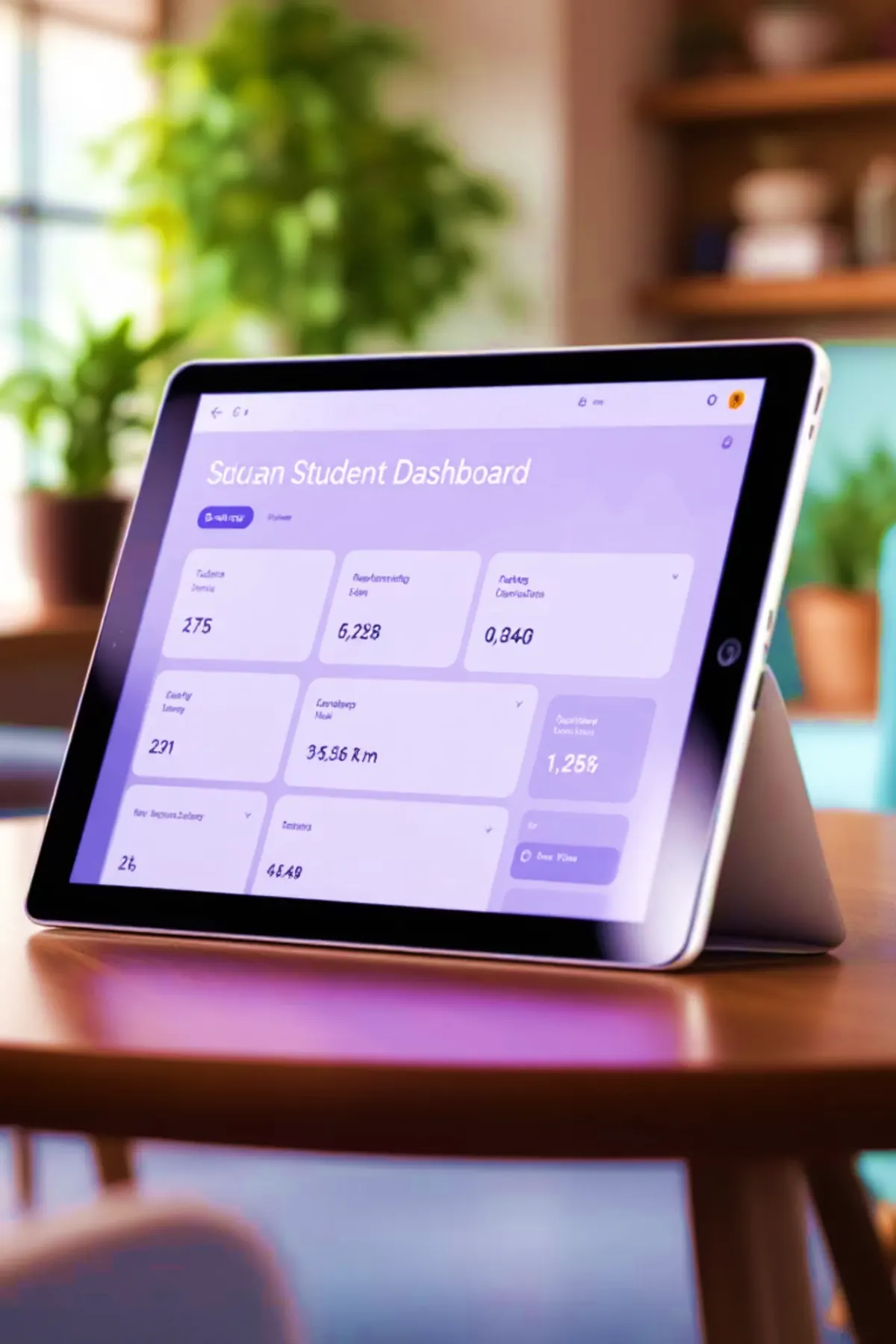
A practical School ERP for admissions, fees, academics, parents, and reports.
Dhicampus helps schools move from scattered registers, spreadsheets, and follow-ups into a cleaner operating system for administration, accounts, teachers, parents, and leadership.
The page is organized around practical school decisions.
A school ERP buyer usually wants clarity before seeing screens: what work it covers, who can use it, how fees and reports behave, and whether the system can grow with the institution.
01
Will it reduce daily school administration work?
Admissions, student records, attendance, fees, communication, exams, transport, and reports are grouped into one operating flow instead of scattered registers and spreadsheets.
02
Can every role use it without seeing everything?
Owners, principals, accounts teams, teachers, parents, students, and branch teams can work from responsibility-based views with controlled access.
03
Will accounts and fee follow-up become clearer?
Fee plans, dues, concessions, receipts, online payment readiness, reminders, and collection summaries are treated as a core finance workflow.
04
Can the system grow with branches and future modules?
The product direction supports branch-aware operations, academic years, scalable modules, integrations, reports, and staged rollout planning.
Core modules
The main school workflows, grouped without overwhelming the visitor.
The product can be discussed module by module, but this public page keeps the overview concise so school leaders can quickly decide whether to book a walkthrough.
Admissions
Enquiries, applications, documents, status tracking, onboarding, and re-admission direction.
Academics
Classes, sections, subjects, timetable, attendance, exams, results, assignments, and progress.
A clearer view of the modules discussed in the product presentation.
The full deck contains repeated descriptions, so the website groups the unique modules into five practical blocks. This gives buyers enough detail to understand coverage while keeping deeper workflows for the demo.
01
Academic foundation
The core academic layer covers how students enter, move through classes, attend, learn, and receive results.
View modules
Registration and admission
Online or assisted registration, document uploads, application status, registration fee direction, and student profile creation.
Class management
Class-section setup, subject mapping, faculty assignment, timetable publishing, and academic year organization.
Attendance system
Manual or digital attendance direction, monthly views, absence tracking, parent alerts, and biometric/RFID readiness.
Examination and results
Exam timetable direction, marks entry, grade calculation, result publishing, PDF report cards, and performance summaries.
02
Learning and engagement
These modules support the learning side of school operations without turning the page into a full LMS manual.
View modules
Digital library
Study resources such as PDFs, eBooks, videos, recordings, and role-controlled learning materials.
Each stakeholder gets a focused view of the same school operation.
Owners need decision signals. Accounts needs collections. Teachers need class work. Parents need updates. Dhicampus keeps these roles separated while keeping the institution connected.
LeadershipAdmissions, revenue, branch comparison, academic signals, and operating summaries.AdministrationStudent lifecycle, documents, classes, attendance, notices, and daily coordination.AccountsDues, collections, receipts, concessions, payroll direction, and fee follow-up.TeachersTimetable, attendance, assignments, marks, study resources, and student progress.Parents and StudentsAttendance, homework, results, payments, notices, transport, and school updates.Beyond basic administration
Learning, operations, reporting, and integrations are part of the same roadmap.
Learning and evaluation
Study resources, assignment flow, online test direction, marks, report-card readiness, and weak-area visibility.
Portals and dashboards
Mobile-friendly views for parents, students, teachers, and management, shaped around what each user needs to act on.
Multi-branch operations
Branch independence with central visibility for admissions, fees, academic performance, staff, and reports.
Security and integrations
Role-based access, audit trails, payment readiness, biometric/RFID direction, communication tools, APIs, and cloud deployment planning.
Management visibility
Dashboards should answer real school questions quickly.
Instead of publishing deep internal screens, the public overview shows the decision areas management teams normally ask for during evaluation.
A clear rollout makes adoption easier for school teams.
01
Understand
Map school size, branches, fee rules, users, reports, and current pain points.
02
Prioritize
Select the first modules needed for admissions, fees, academics, communication, or operations.
03
Prepare data
Clean and structure student, staff, fee, class, and academic-year information before migration.
04
Pilot and train
Run key workflows with admin, accounts, teachers, and management before wider rollout.
Trust and control
Sensitive school data needs disciplined access and accountable operations.
The ERP direction includes role-based access, audit visibility, secure communication, payment readiness, integration planning, and cloud deployment support.
Users see only the areas relevant to their responsibility and branch scope.
Audit trails and controlled access support accountability across sensitive records.
Reports help leadership review admissions, finance, academics, staff, and operations.
Documents, receipts, certificates, and export-ready reports can be planned by module.
Quick answers
Common questions before a School ERP demo.
Is this suitable for schools in Guwahati and Assam?
Yes. The product direction is suitable for schools and institutions in Guwahati, Assam, North-East India, and other regions that need practical administration, fees, academics, communication, and reporting.
Can existing Excel records be migrated?
Yes. Migration can be planned through cleanup, mapping, validation, and staged import depending on the current data quality.
Does it support online payments and notifications?
The ERP is planned with payment gateway readiness and communication readiness for WhatsApp, SMS, email, circulars, and parent updates.
Will every school need every module?
No. The rollout can start with priority workflows and expand into additional modules once the school team is comfortable.
Delivery partnership
Plan, build, deploy, and support business software with one reliable team.
From ERP products to custom portals, dashboards, integrations, and cloud-ready websites, Dhicampus helps organizations move from scattered manual work to secure digital operations.